
On air now
Watching now with a 10-minute trend, this broadcast's peak, chat per minute, and likes gained — lined up against what's actually airing.
Hustle TV Insights reports on one channel at a time — airtime, reliability, YouTube when connected, and hours logged for every destination you fan out to — over a 7, 28, or 90-day range you choose. Each channel's Dashboard card also carries its own airtime for the last 7 days.
While you're on air
Once YouTube is connected, Hustle TV reads your live viewer count, likes, and chat activity from YouTube's own API every minute you're on air — not a guess, not scraped from the page.
Watching now with a 10-minute trend, this broadcast's peak, chat per minute, and likes gained — lined up against what's actually airing.
A daily audience chart, a ranked chart of your best-performing shows (retention and chat rate), and a best-hours heatmap in your channel's own time zone.
Export a CSV of your audience-over-time and by-show data for any range you choose — useful for a rights-holder conversation or an investor update.
Summary tiles show airtime, syndication hours, partner hours, and delivery reliability at a glance. Tabs dig into This studio, YouTube, and Syndication without leaving the page.
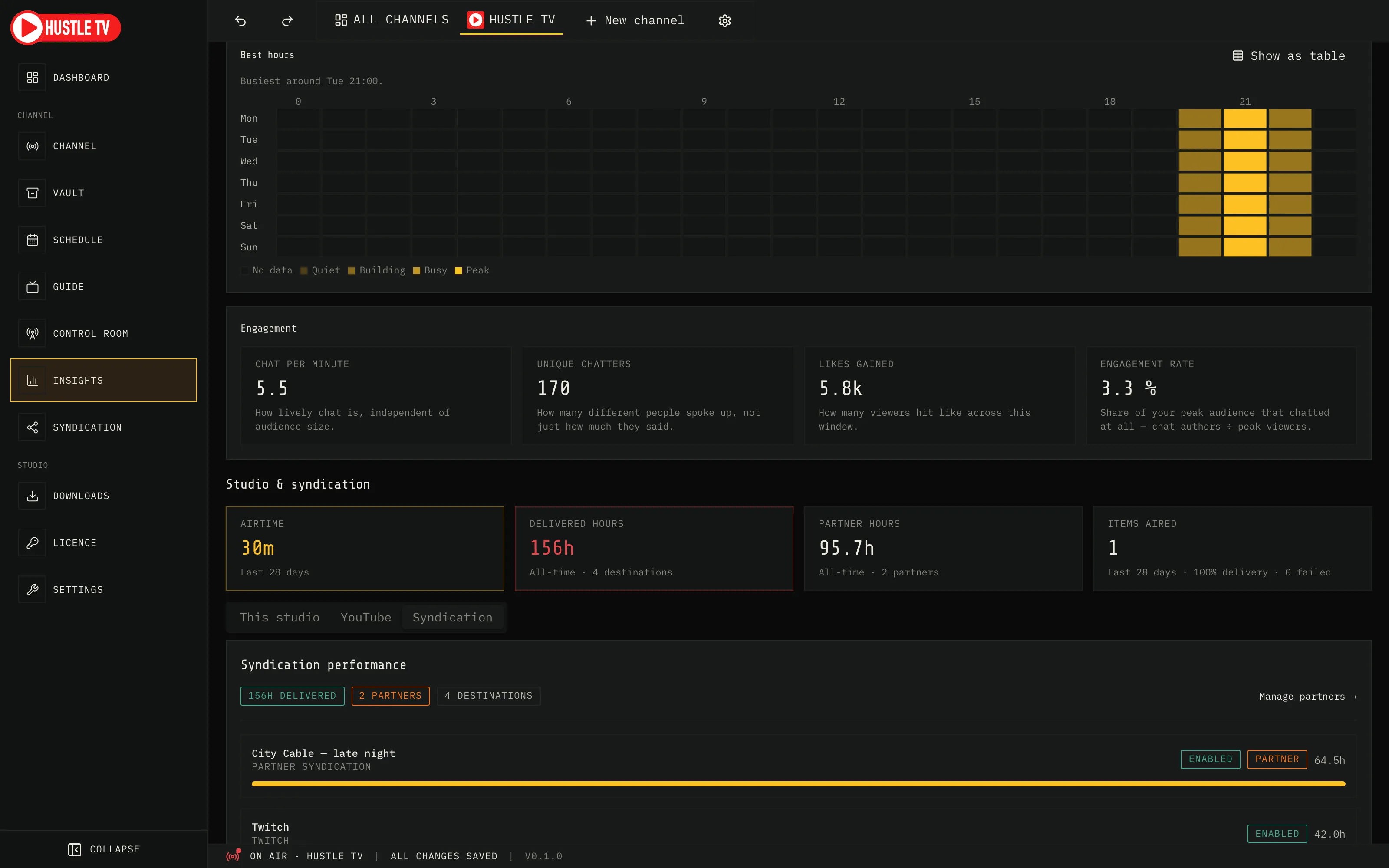
When you syndicate the channel, partners care about delivered hours — not screenshots of OBS. Syndication tracks partners live, and Insights rolls those hours into the channel story.
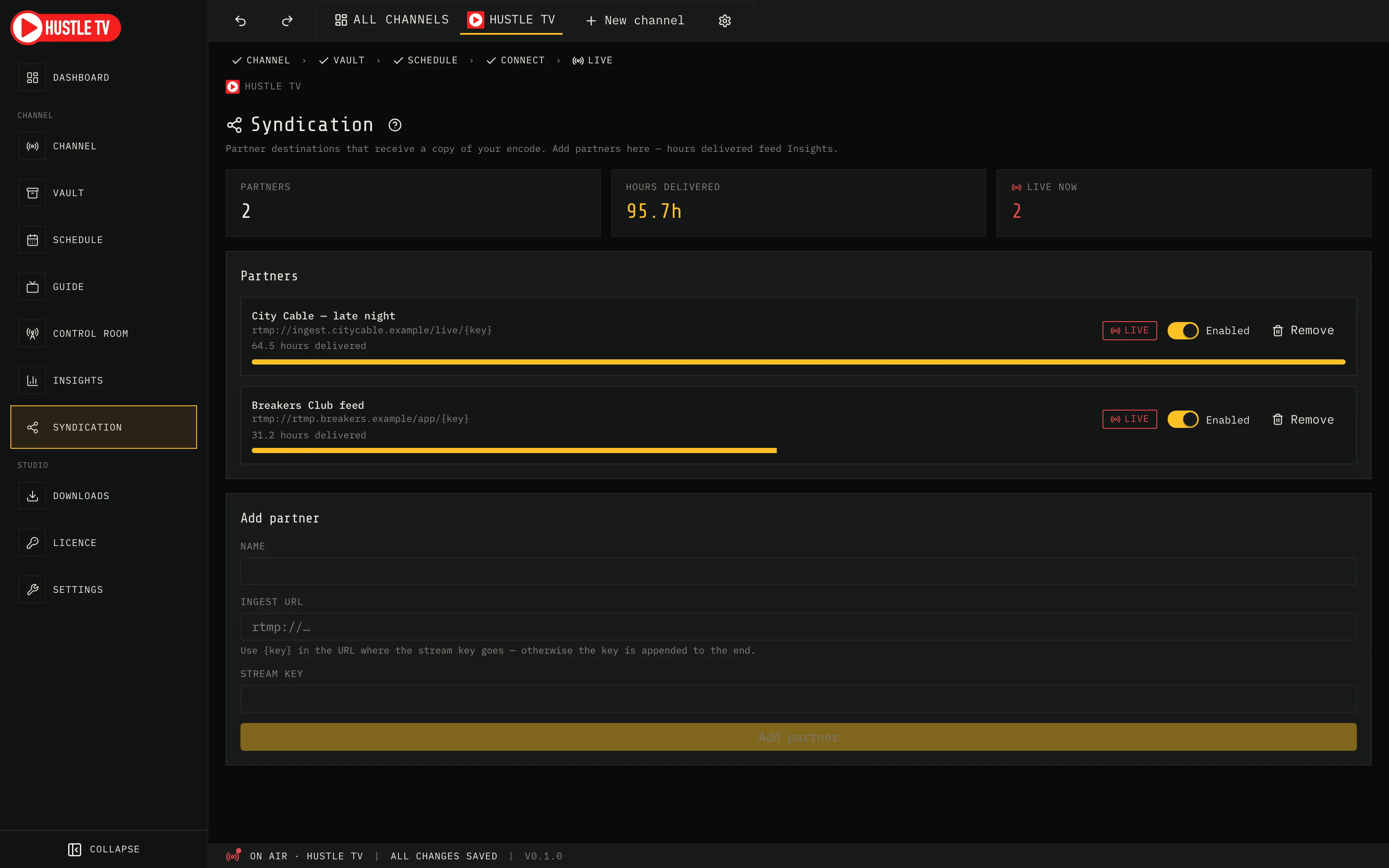
The join reason
Most tools stop at “you’re live somewhere.” Hustle TV encodes once, fans out, and keeps the delivery ledger — so syndication is a product feature, not a hope.